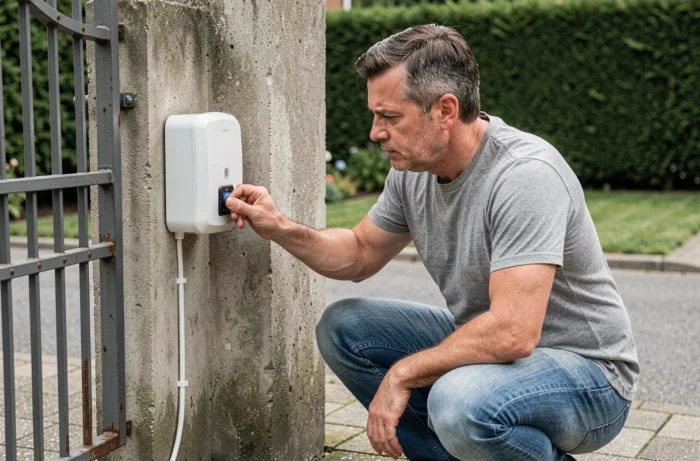
Synchronizing two gate remote controls involves transferring the radio code from an already paired transmitter to a second transmitter, without going through the receiver fixed on the motorization. The operation relies on a self-learning protocol integrated into most remote controls sold over the past ten years.
Radio Frequency and Coding: Check Compatibility Before Any Manipulation
Before bringing your two remote controls close together, one technical point conditions the success of the synchronization: the transmission frequency must be identical on both devices. Gate motorization systems primarily operate on two bands, 433 MHz and 868 MHz. A remote control emitting on 433 MHz will never be able to communicate with a receiver set to 868 MHz, regardless of the protocol used.
The frequency is usually listed on the back of the remote control or in its manual. If the label has disappeared, the receiver box fixed on the gate motor also mentions this information.
The type of coding is as important as the frequency. Remote controls use either a fixed code (the transmitted sequence remains the same with each press), or a rolling code, where the sequence changes after each use to prevent copying by interception. A fixed code transmitter cannot synchronize with a rolling code system, and vice versa. Check this parameter in the documentation of your motorization.
To deepen this preparatory phase, it is useful to know how to program a gate remote control with La Bonne Maison before moving on to the physical manipulation.
Self-Learning Synchronization Between Gate Remote Controls
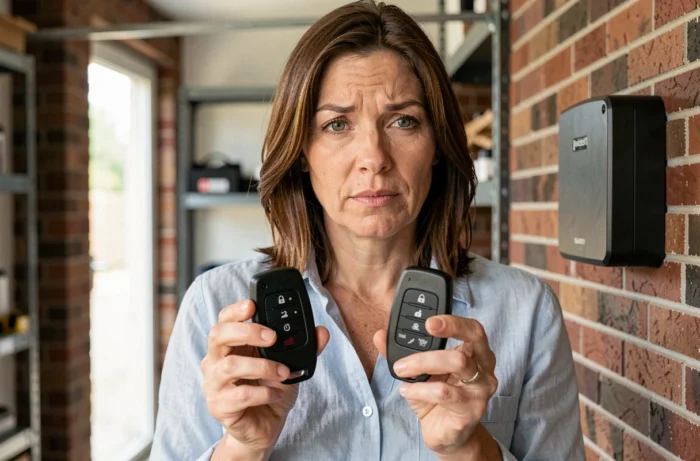
Self-learning is the most common method for synchronizing two remote controls without accessing the receiver. The principle: the new remote control copies the signal from the old one by directly capturing its radio emission.
Prepare the Two Remote Controls
Place the two units face to face, a few centimeters apart. The old remote control (the one that already opens the gate) will serve as the source. The new one will be in receiving mode.
Make sure that the batteries of both devices are new or sufficiently charged. Low voltage can cause synchronization failure without any visible error message.
Start the Copy Procedure
The sequence varies slightly depending on the manufacturers, but the principle remains the same:
- On the new remote control, press and hold two buttons simultaneously (often the two at the top or the two at the bottom) until the LED indicator blinks rapidly. This blinking indicates that the device has entered learning mode.
- Release the buttons, then press the button on the new remote control that you want to program. The indicator usually changes to a slow blink.
- Bring the old remote control close and press the corresponding button. Hold the button until the indicator on the new remote control lights up steadily or blinks three times.
- Repeat the operation for each additional button if your remote control has multiple channels (full opening, pedestrian opening, garage).
A steady indicator after the procedure confirms that the code has been copied. If the indicator does not respond or blinks continuously, the copy has failed. You will need to start over from the beginning.
Programming via the Gate Receiver: The Alternative When Direct Copy Fails
Some motorizations do not allow synchronization between two remote controls. The system then requires registration directly on the receiver of the electronic board, installed in the motor box of the gate.
To access the receiver, open the cover of the motorization. Locate a button often marked “PROG,” “LEARN,” or “RF-Learn” on the electronic board. The procedure follows a similar logic:
- Briefly press the programming button on the receiver. An LED indicator lights up to signal that the receiver is waiting for a signal.
- In the following seconds, press the desired button on the new remote control. The receiver’s indicator blinks and then turns off to confirm the registration.
- Immediately test the remote control by operating the gate from a few meters away.
This method works independently of the type of coding, as it is the receiver itself that memorizes the new transmitter. It remains the only reliable option for rolling code systems that block direct copying.
Gate Remote Controls and New Radio Security Requirements in Europe
Since August 1, 2025, radio remote controls marketed in the European Union must comply with enhanced cybersecurity requirements imposed by the Delegated Regulation (EU) 2022/30 under the RED Directive 2014/53/EU. These obligations cover network protection, safeguarding personal data, and preventing fraud.
The harmonized standards EN 18031-1, EN 18031-2, and EN 18031-3:2024 define the technical pathways for compliance for manufacturers. In practice, this means that recent remote controls incorporate stricter security mechanisms than earlier models. A transmitter purchased before this date may not be compatible with a receiver updated according to these new standards.
The Cyber Resilience Act (Regulation (EU) 2024/2847), which came into force on December 10, 2024, will further extend these constraints to home automation products with security functions in the coming years. When purchasing a replacement remote control, ensure that the chosen model bears the CE marking and reference to the applicable RED directive.
A final reflex after any successful synchronization: delete lost or non-functional remote controls from the receiver’s memory. Most electronic boards offer a total erase function accessible by a long press on the programming button. Keeping ghost transmitters registered in the system represents a security flaw that the new regulations aim to eliminate.